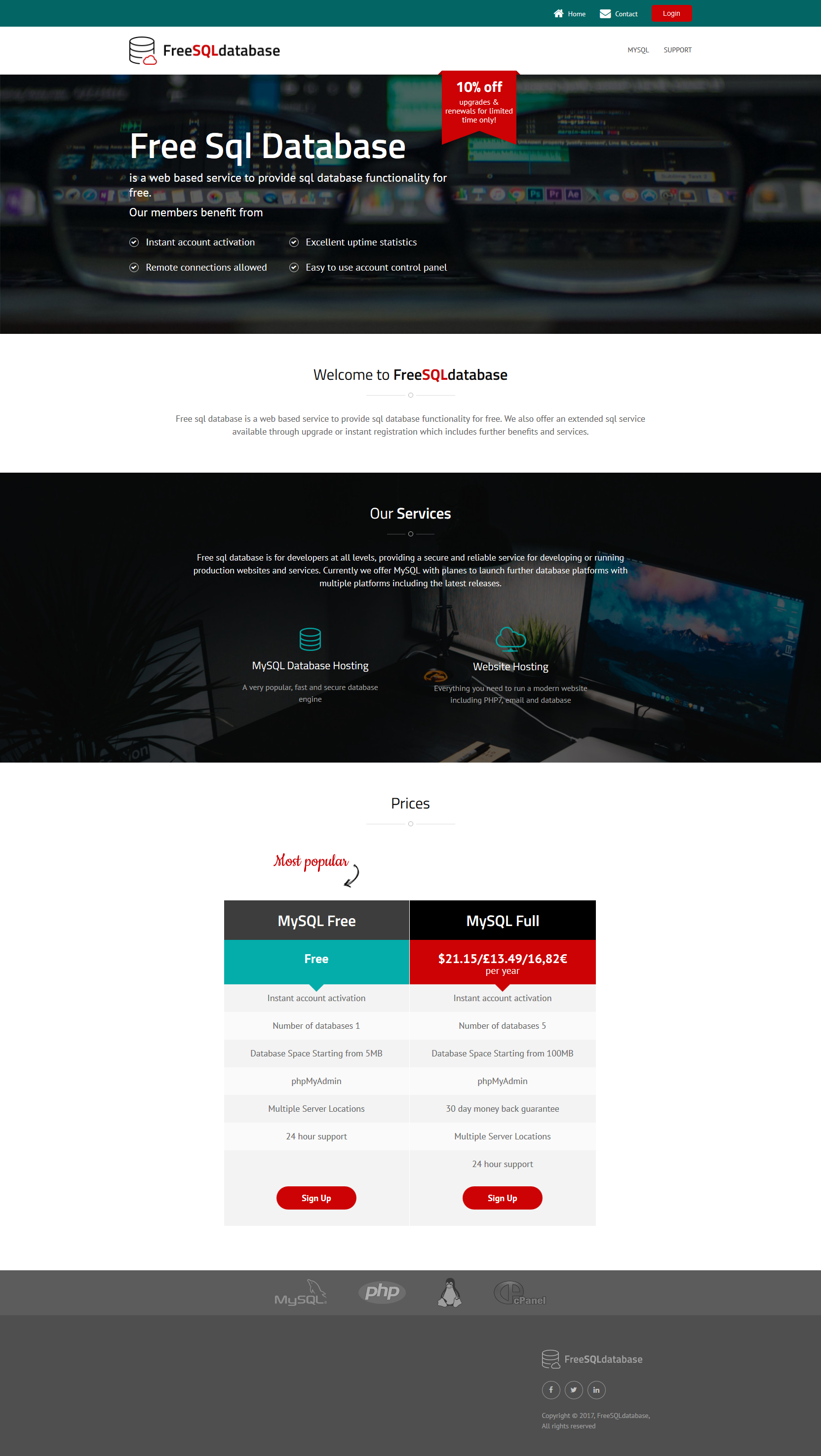
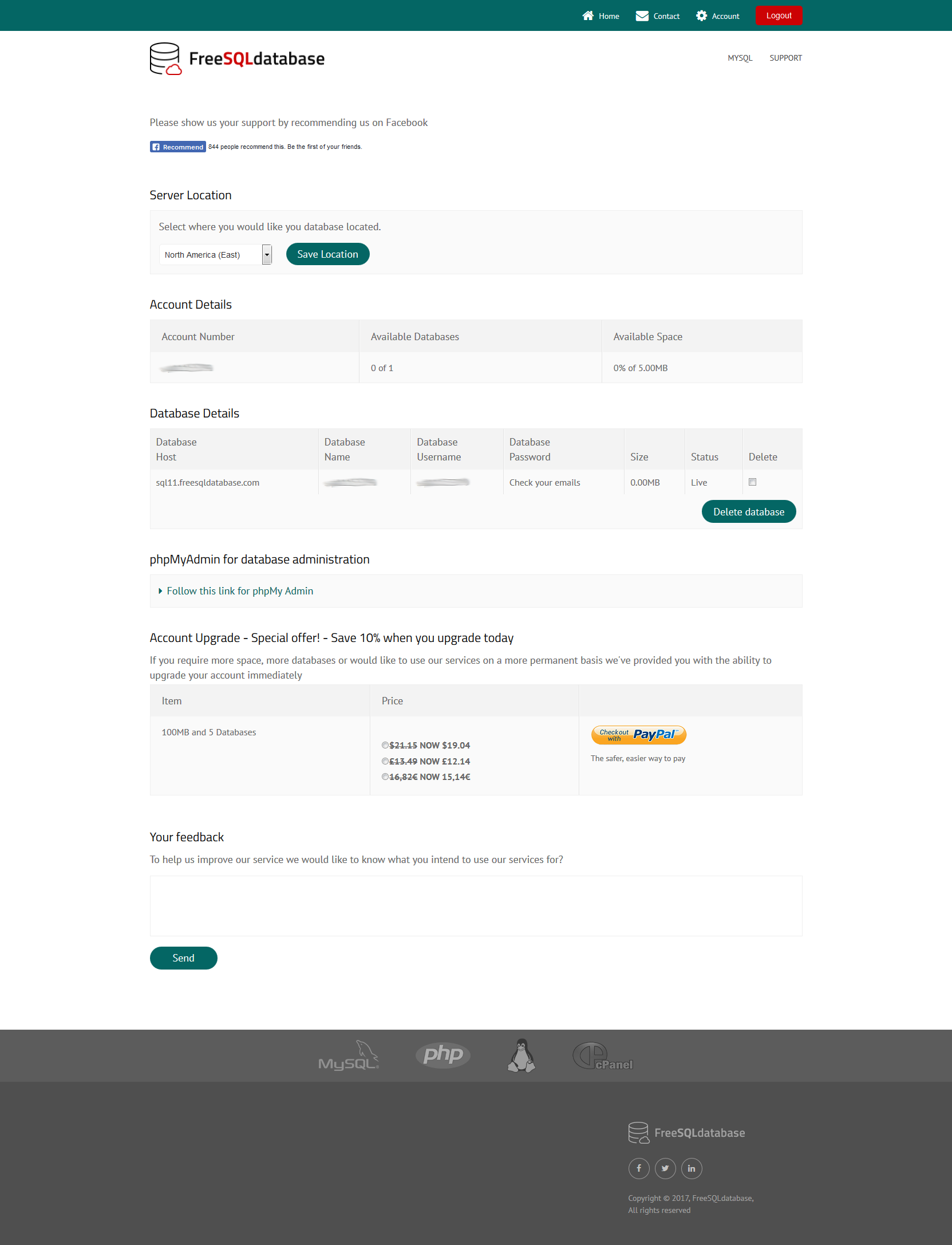
Free sql database is a web based service to provide sql database functionality for free. We also offer an extended sql service available through upgrade or instant registration which includes further benefits and services.
Free sql database is for developers at all levels, providing a secure and reliable service for developing or running production websites and services. Currently we offer MySQL with planes to launch further database platforms with multiple platforms including the latest releases.
Lorem ipsum dolor sit amet, consectetur adipiscing elit. Nulla interdum diam ac ultrices ultrices. Fusce et velit id sem cursus convallis. Nam varius laoreet varius..

Lorem ipsum dolor sit amet, consectetur adipiscing elit.

Aenean sed ligula auctor, fermentum est sed, semper tortor.
Vivamus fermentum nulla lacus, eget iaculis enim posuere ut. Cras auctor aliquet turpis, eu tristique ligula iaculis vitae. Pellentesque at ex ex. Ut eu dolor non dolor facilisis tincidunt et id mi.